Layer System
Dependency-ordered layers
Decompose generation into small, composable generators. Each layer declares its inputs and padding; the engine resolves the order and caches results.
World Engine is a Unity framework for generating and managing game worlds. Threaded chunk streaming, a dependency-ordered layer pipeline, blended biomes, rivers and decoration with a debugger that shows exactly how every chunk was built.
Biomes, rivers, decoration and streaming, generated at runtime. Drop your own clips and screenshots into public/media and they appear here.
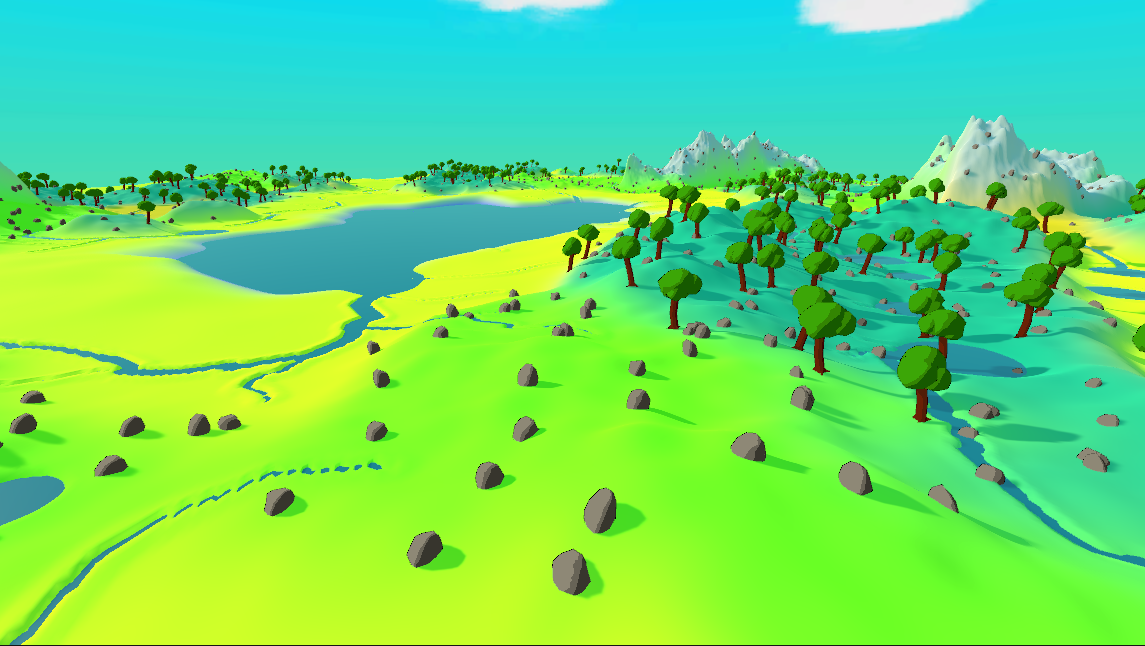 Terrain
Flat heightmap worlds are the reference implementation, wiring biomes, layers, meshing and streaming into one pipeline.
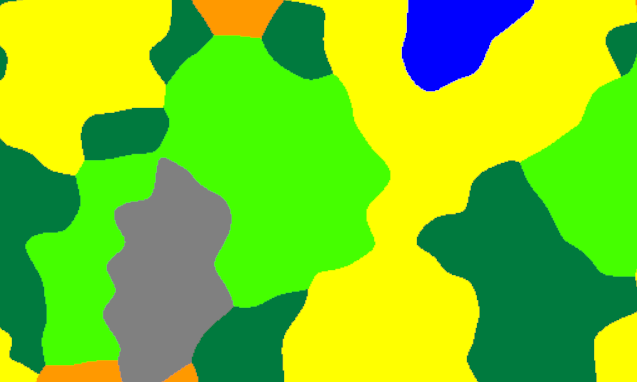 Biomes
Continent, temperature and humidity parameters are sampled and blended into a continuous biome field.
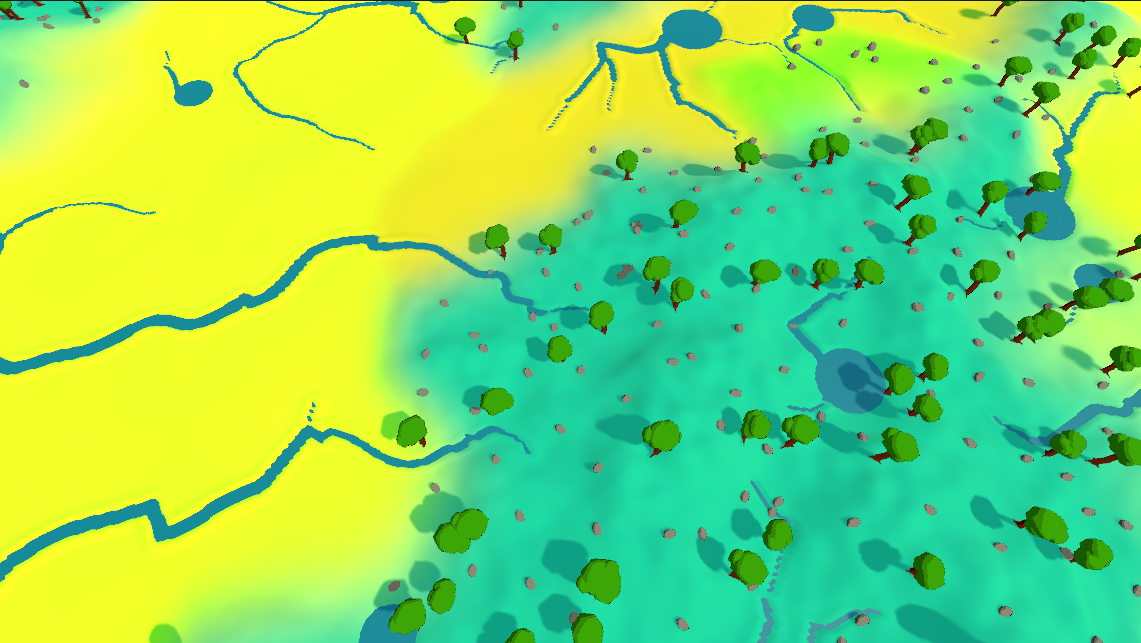 Rivers
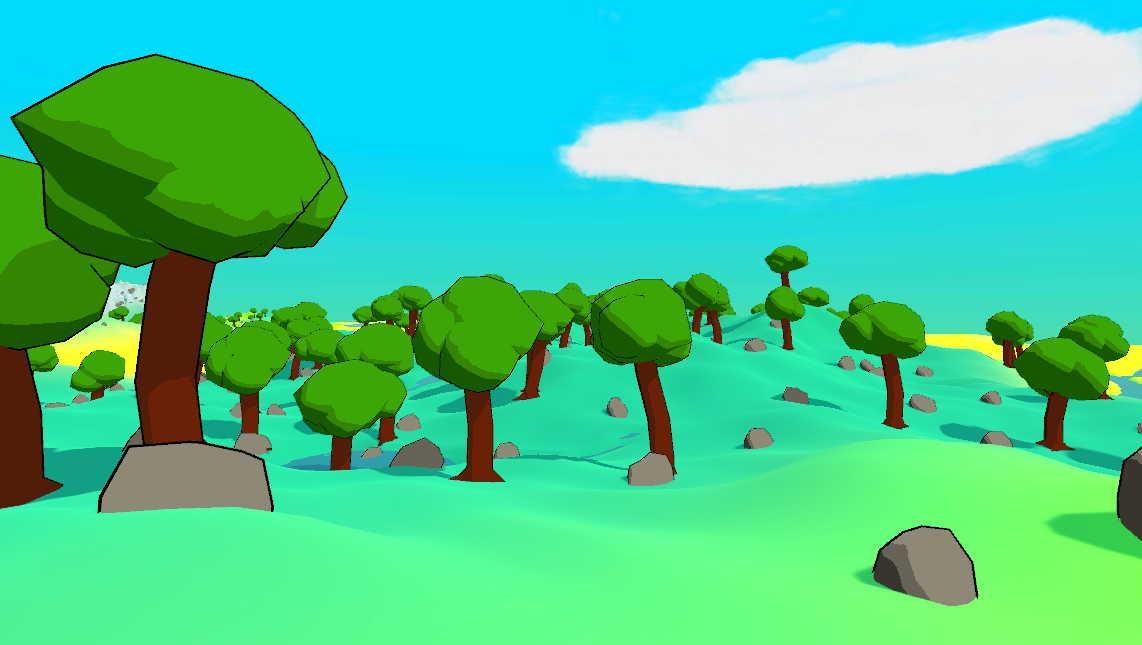
 walk across terrain data using padded neighbouring chunks, ready to be carved into the landscape.
 Decoration
Prop placement driven by per-biome rules and spread patterns, blended across chunk boundaries.
 Streaming
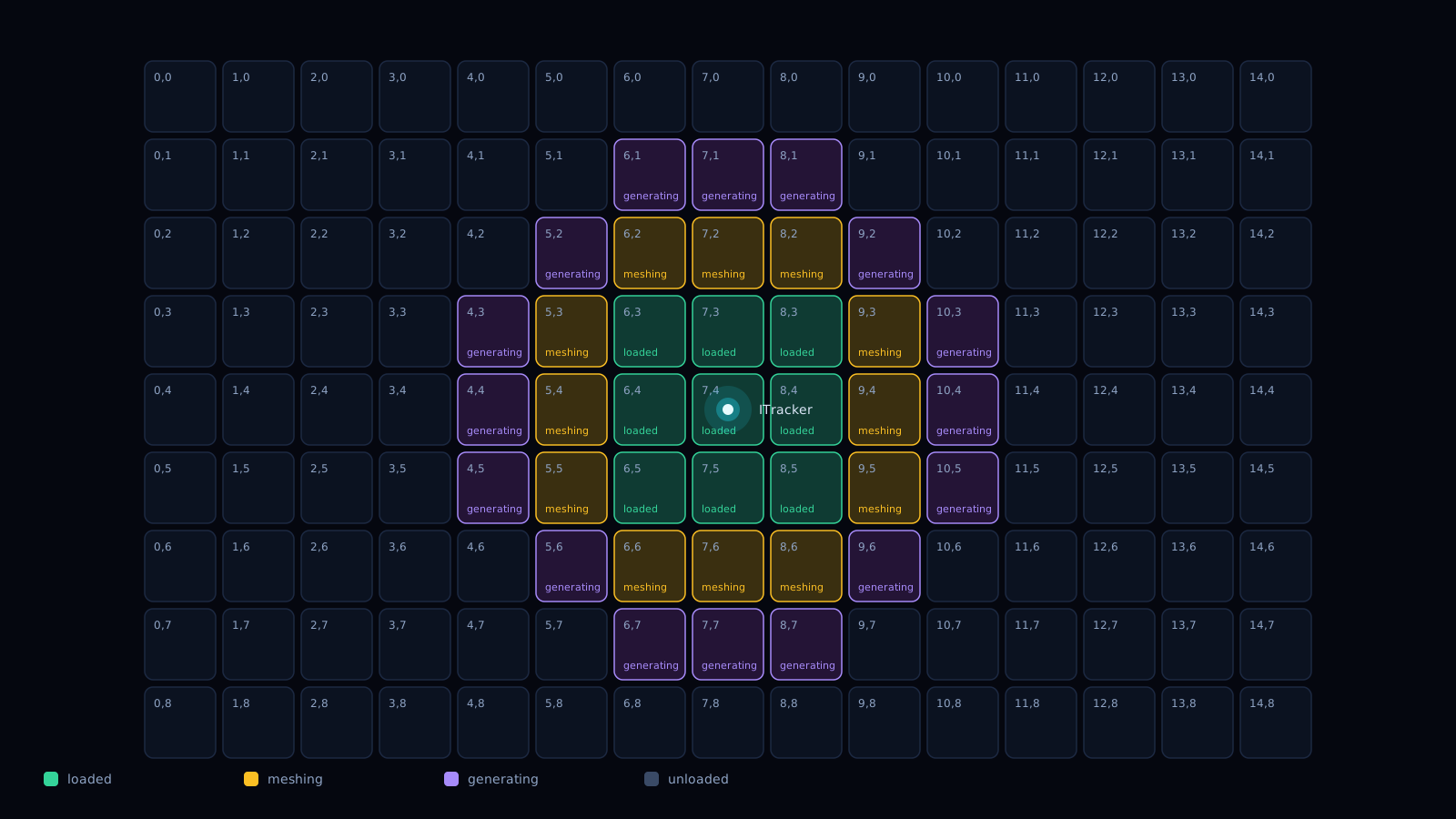
Tracked entities pull chunks in and out of memory as they move, with async generation and meshing.
Everything is modular and built to be extended. Implement your own world type, generator, mesher, loading step, or use the reference heightmap world as-is.
Decompose generation into small, composable generators. Each layer declares its inputs and padding; the engine resolves the order and caches results.
Worlds are built on dedicated generation and meshing worker pools, then committed to the main thread through a dispatcher. No frame hitches.
Classify the world along continent, temperature and humidity parameters, then blend neighbouring biomes for smooth, natural transitions.
Trace river paths across the terrain from high ground to sea level, with the data ready to be carved into the heightmap.
Place trees, rocks and props with biome-aware rules and spread patterns, blended across chunk borders.
Track any entity with an ITracker and let ChunkTrackerSystem load and unload chunks around it as it moves through the world.
An editor window that records the layer call tree, timings and cache hits so you can see exactly how each chunk was built.
Implement your own world type through generic TerrainManager, Generator, Mesher and LoadingStep contracts. The heightmap world is just one reference.
Every chunk flows through the same pipeline: declared dependencies, cached layer generation on worker threads, then a safe commit on the main thread.
Layers never generate more than they must. Each one declares its inputs and the padding it needs from neighbouring chunks; the engine resolves the order, checks the cache first, and only fills in what is missing.
// Initialise the static biome state once
Biome.Init();
BiomeSampler.Init();

// Describe how biomes are distributed
var biomeMap = new BiomeMap(seed: 0, biomeSize: 32, blendRadius: 48, BiomeSampler.DEFAULT);

// Create the terrain manager (the reference heightmap world)
var manager = new HeightMapTerrainManager(
    chunkScale: 1, chunkResolution: 64, chunkHeight: 64,
    samplingScale: 1f, biomeMap: biomeMap);

// Load chunks in a radius, generation and meshing are threaded
for (int x = -2; x <= 2; x++)
    for (int y = -2; y <= 2; y++)
        manager.LoadChunk(new Vector2Int(x, y));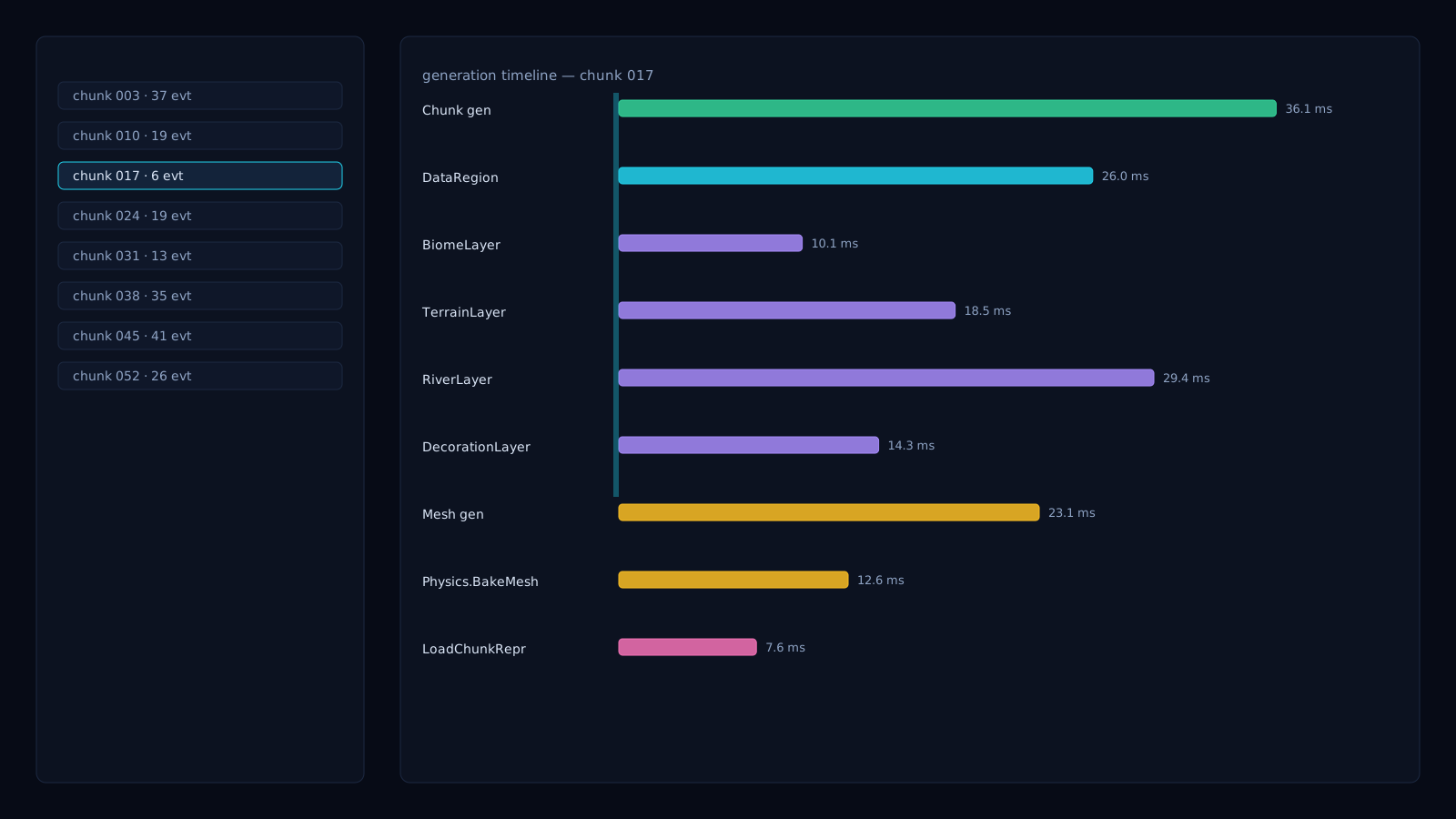
An editor window records the layer call tree, timings and cache hits per chunk, and can draw each region's data back onto the scene.
Window → World Engine → Generation DebuggerLoadChunkmain threadGenerator.Generategeneration poolMesher.GenerateMeshmeshing poolPhysics.BakeMeshmeshing poolLoadChunkRepresentationmain thread16 workers run pure data generation: layers, biomes, rivers and decoration with no Unity object access.
8 workers build meshes, run threaded preload steps and bake colliders off the main thread.
A dispatcher commits results: GameObjects, transforms, meshes, materials and colliders, all safely.
World Engine is in active early development. Features are added, improved and reshaped continuously. Here is where things stand.
World Engine is in private development, and I am looking for one or two people to work with me. It is a passion project I build in my free time, not a professional venture, even if the goal is to make it a polished, professional-grade tool. If procedural worlds excite you, I would like to hear from you.
C# and Unity. Help build generators, layers and the chunk pipeline: decoration, rivers, and the move toward 3D and voxel worlds.
Threading, memory and meshing costs, plus editor tooling such as the generation debugger and the future artist-facing GUI.
Terrain texturing and materials, biome and decoration rules. Shape how worlds look and how designers will drive them.
Send a short email: who you are, what you have built, and what interests you.
A call to talk about the project, your availability and what you would like to own.
You get access to the private repository and docs, then start on a scoped first task.
You do not need to match a role exactly. Tell me what you have built and what you would like to work on, a portfolio or a few links is plenty.